Background and history
According to Trezor’s Trustpilot company profile, the company was founded in 2013, and it emphasizes a “transparent, open-source foundation,” with Trezor Suite serving as the primary companion app for managing assets. [1]
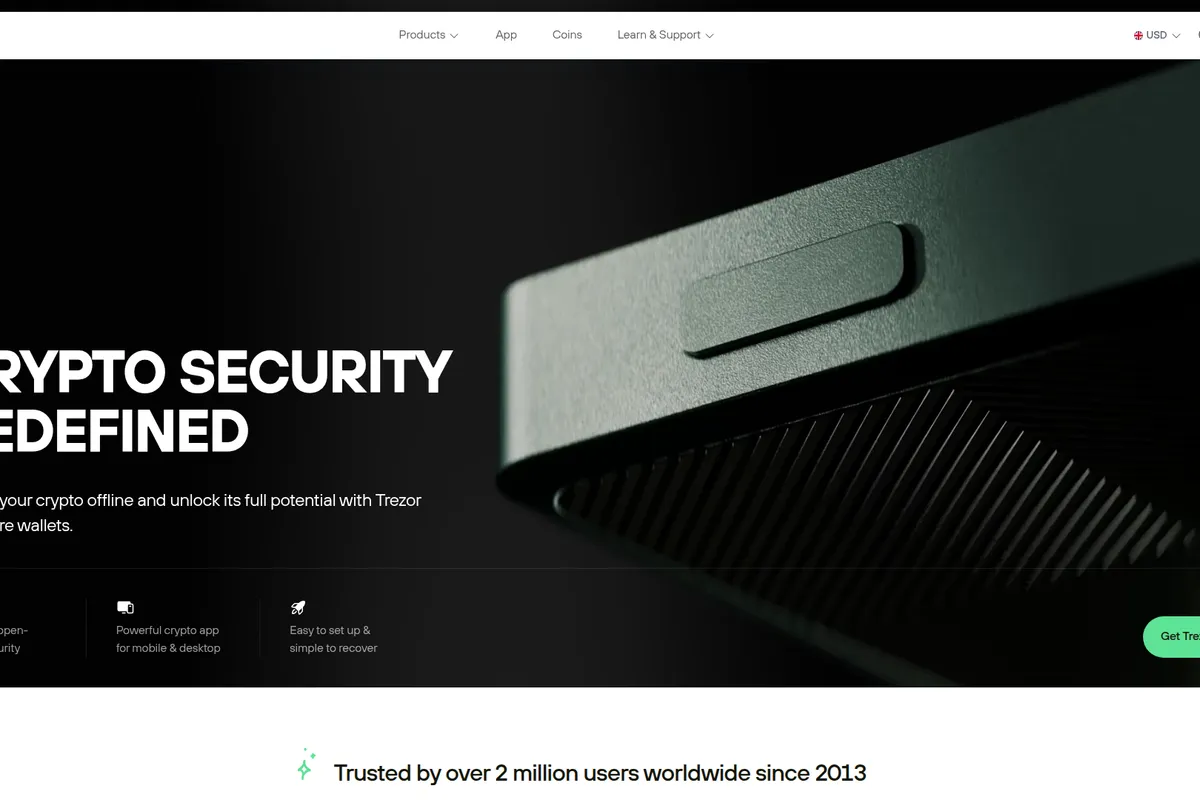
Trezor’s own website adds adoption and longevity signals, claiming “over 2 million users worldwide since 2013,” while also using “since 2014” language in other places on the same homepage. While that inconsistency is minor, the overarching point is that Trezor has been in-market for more than a decade and is widely recognized as an early pioneer in the hardware wallet category. [3]
Key features and services
Hardware wallet fundamentals: offline keys and on-device confirmation
Trezor’s core value proposition is straightforward: generate and store private keys on a dedicated device, keep them offline, and require physical approval for transactions.
This “trusted display” approach is also prominent on trezor.io, which frames the device screen as a safeguard even if the connected computer is compromised. [3]
Product lineup and ecosystem
In third-party reviews, the classic lineup still anchors much of the discussion:
- Trezor Model One (often referred to as Trezor One)
- Trezor Model T (touchscreen model)
Milk Road lists prices of $69 for Model One and $219 for Model T, while Bitbo lists Trezor One around $72 USD. [4] [2]
Meanwhile, Trezor’s Trustpilot company description highlights newer “Safe” models, specifically Trezor Safe 3, Safe 5, and Safe 7, but without detailed specifications in the provided sources. [1]
Regardless of device choice, Trezor positions its broader offering as an ecosystem that includes Trezor Suite and compatibility with third-party wallets.
Trezor Suite: management app across desktop, web, and mobile
Trezor Suite is the official app layer for managing a Trezor device. Trezor markets it as a single place to “manage, buy, sell, and swap your crypto.” [5]
From the Suite page captured in the research set, Trezor supports multiple access methods:
- Desktop downloads and a browser-based Suite experience
- Mobile apps for Android and iOS
- A visible Linux AppImage link referencing Trezor Suite 26.2.3
These multi-platform options matter because hardware wallets have historically been desktop-centric. In this dataset, at least at the marketing level, Trezor is clearly pushing a broader “on the go” management story while keeping signing and approvals device-based. [5]
Buy, sell, swap, staking, and portfolio features
Trezor Suite promotes several convenience features beyond basic send and receive:
- Buy and sell inside Suite, with Trezor claiming it compares multiple providers for the best deal
- Swap (crypto-to-crypto exchange)
- Portfolio tracking and account organization
- Staking, advertised as available for Ethereum, Cardano, and Solana
All of these are presented as “in one place” features in Suite. [5]
dApps and third-party wallet integrations
Security and trust
Open-source security posture
Supply chain, firmware installation, and counterfeit risk
Milk Road highlights a “trust-no-one” shipping approach: Trezor reportedly ships without firmware installed, and the user installs firmware themselves. Alongside tamper-evident packaging, this is positioned as an anti-tampering confidence feature. [4]
At the same time, both Milk Road and Bitbo emphasize that hardware wallet security is highly dependent on sourcing. Milk Road warns about counterfeit devices, while Bitbo is more direct, warning users to never buy a hardware wallet like Trezor from marketplaces such as eBay, and to use the official store or authorized resellers. [4] [2]
This is not a minor footnote. A compromised device can nullify the entire security model, which is why buyers should treat sourcing and initial setup hygiene as part of the product.
Recovery seed, passphrases, and “hidden wallets”
From a reviewer’s perspective, this is both a strength and a risk. Passphrases are an excellent defense against seed compromise, coercion, or simple “seed found” scenarios. They also raise the operational bar for users, who must maintain secure, redundant backups of both the seed and any passphrases used.
PIN protection and brute-force friction
Bitbo describes Trezor’s PIN protection and a progressive delay mechanism that increases wait times after incorrect guesses, claiming that 30 guesses would take 17 years. [2] While that is a specific claim from a third-party review, the underlying concept is standard: on-device rate limiting helps resist brute-force attacks if a device is stolen.
Secure element debate, and what it means in practice
This trade-off is best interpreted as a matter of threat model. Secure elements can increase physical tamper resistance, while open-source approaches aim to reduce black-box dependencies. Users concerned about sophisticated physical attacks may weigh this factor more heavily than users primarily protecting against online theft and exchange failures.
Phishing risk and product evolution
Even with on-device confirmation, users can still be tricked into signing unintended actions if they do not carefully verify transaction details. In other words, hardware wallets materially reduce risk, but do not eliminate the need for careful verification and good operational security.
User experience
Trezor’s UX is often described as security-led rather than minimal-click convenience. Milk Road notes that setup can involve “a surprising number of steps for a device with just two buttons,” but frames this as a positive learning path that helps users understand security decisions. [4]
Support and onboarding are also part of the experience story. On Trustpilot, Trezor promotes an “Expert Onboarding Session,” and multiple featured review excerpts praise named support specialists for walking new users through setup. Trustpilot also shows operational signals such as replying to 100% of negative reviews and typically responding within 24 hours. [1]
Pricing and fees
Device pricing
Trezor’s hardware is a one-time purchase, but pricing differs by model and retailer context in reviews:
- Model One: $69 (Milk Road) or about $72 (Bitbo)
- Model T: $219 (Milk Road)
These figures place Trezor’s entry model in the mainstream hardware wallet range and the touchscreen model at a premium tier. [4] [2]
Ongoing costs: network fees plus optional Suite provider fees
Milk Road reports that buying through Trezor Suite can cost roughly 4.5% to 6% depending on provider and payment method, and that swaps can reach up to 10% including spreads. [4] These numbers are significant, especially compared with using an exchange for price execution and then withdrawing to self-custody.
The practical takeaway is that Trezor’s best financial value often comes from using it as a secure signing and storage layer, while being selective about in-app purchase and swap features.
Supported assets and known limitations
Trezor markets support for “1000s of coins and tokens,” and its site lists leading networks such as Bitcoin, Ethereum, Solana, Base, Arbitrum One, and Cardano. [3] Third-party reviews also describe broad coverage, but with different counting methodologies. Milk Road cites over 1,000 coins and tokens from 12 Layer 1 blockchains, while Bitbo claims 1,800+ coins and tokens. [4] [2]
Customer sentiment and reputation
This does not guarantee every customer experience is smooth, but it does support the view that Trezor actively manages support reputation and engagement, which is meaningful in a category where user mistakes can be costly.
Comparison with alternatives
The most direct alternatives to Trezor are other hardware wallets, with different design philosophies around connectivity (USB, NFC, QR), backup approaches (seed phrase versus seedless), and physical security features.
Alchemy’s directory lists six hardware wallet alternatives: Ledger, SafePal, D’CENT, Ellipal, Arculus, and Burner, largely framed around Web3 compatibility and chain support signals. [6]
A Tangem-authored buyer’s guide (dated Aug 26, 2025) frames the competitive landscape around “seedless” and mobile-first design, ranking Tangem first and also discussing Ledger, SafePal, Keystone, and Ellipal. It criticizes Trezor for being more reliant on seed phrases and USB plus PC-based workflows, while acknowledging Trezor remains a trusted brand. Because this is vendor-authored, readers should treat the conclusions as marketing-influenced rather than fully independent testing. [7]
In practical terms, here is how the comparison typically plays out based on the sources provided:
- Choose Trezor if you value open-source positioning, a long track record, and strong third-party wallet compatibility, and you are comfortable managing a seed phrase with care.
- Consider Ledger and other secure-element-forward devices if physical tamper resistance is a top priority in your threat model, while noting that design trade-offs can include closed-source components and differing ecosystem philosophies. [6]
- Consider QR-based or NFC-first wallets (for example, some alternatives highlighted by Alchemy and Tangem) if you strongly prefer avoiding USB workflows and want a more phone-native operational model, while being mindful that “seedless” or “closed ecosystem” approaches introduce their own trust and recovery considerations. [7]